
What Study Materials Can You Upload to SourceQuiz?
Paste notes, import a public URL, or upload files and images. Here is what works best.
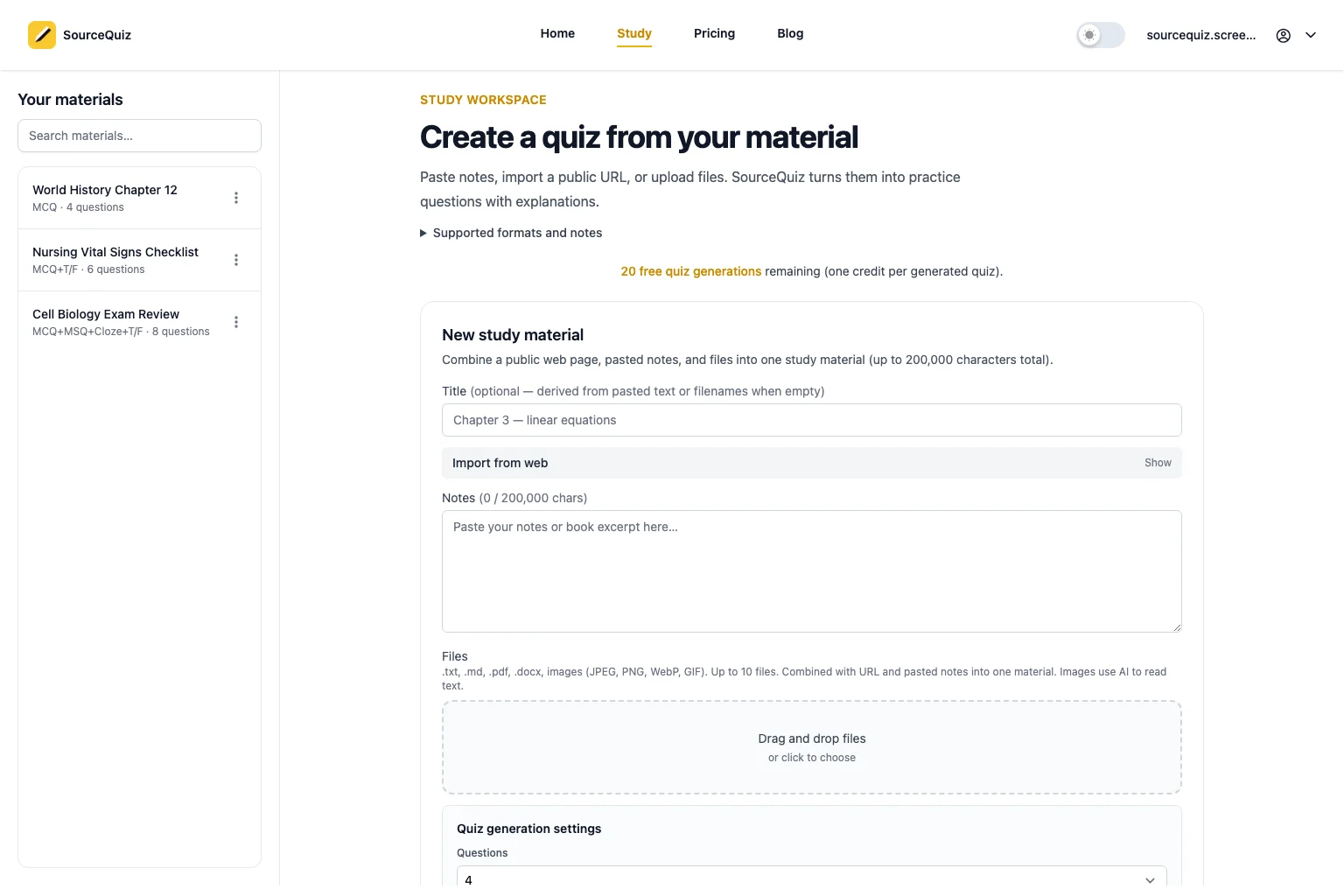

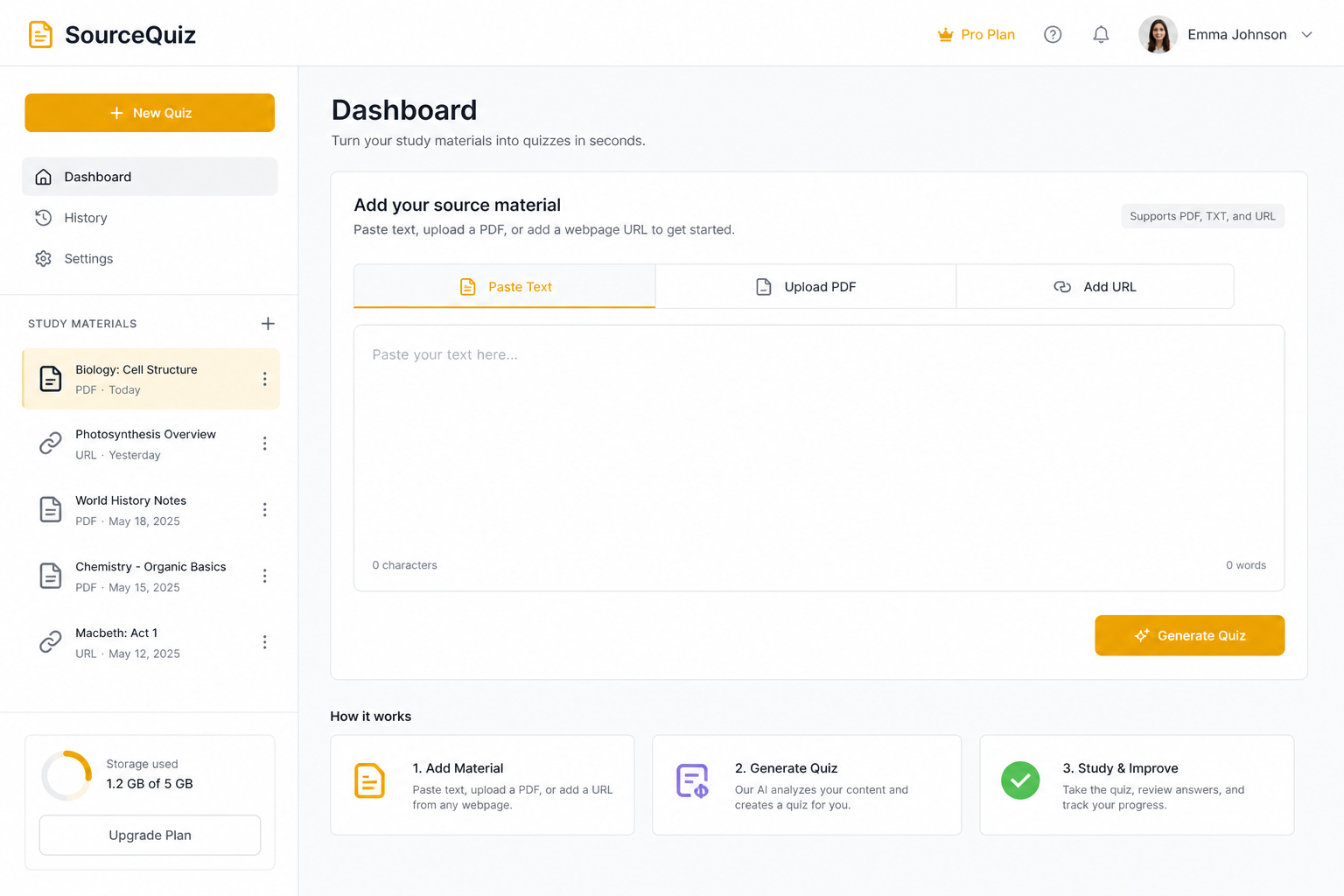
SourceQuiz works best when your study material is specific, readable, and close to what you will be tested on. You can add material in several ways: paste text, import a public web page, upload a document, or upload an image.
The format matters less than the quality of the source. A clean two-page lecture outline usually creates better questions than a 300-page file with unrelated chapters.
Quick recommendation
If you are trying SourceQuiz for the first time, start with the cleanest source you already have:
| Situation | Use this input first | Why |
|---|---|---|
| You have copied lecture notes | Pasted text | Fastest way to test question quality |
| Your class handout is online | Public URL | Keeps the original page structure |
| Your instructor shared slides | PDF upload | Preserves the assigned material in one place |
| You wrote a study guide | .docx, .md, or pasted text | Your own wording usually creates focused questions |
| Your notes are screenshots | Image upload | Works when the text is readable and cropped tightly |
Do not start with your biggest file. Start with one source that covers one testable topic. A narrow upload gives you a clearer first quiz and makes mistakes easier to review.
Supported input types
| Input | Best for |
|---|---|
| Pasted text or notes | Lecture notes, summaries, copied textbook sections |
| Public web page URL | Open articles, public course pages, online study guides |
.txt and .md files | Clean notes, Markdown outlines, exported study docs |
.pdf files | Textbook chapters, lecture slides, handouts |
.docx files | Word study guides, assignment notes, instructor documents |
| JPEG, PNG, WebP, GIF images | Screenshots, whiteboard photos, diagrams with readable text |
The best source is narrow
One material should usually map to one topic:
- One lecture
- One chapter section
- One exam objective group
- One lab handout
- One case study
Avoid uploading an entire semester as one material. It makes questions broader, explanations less focused, and progress harder to interpret.
Clean inputs make better quizzes
Before adding material:
- Remove pages that are not on the exam.
- Keep headings and section labels.
- Split unrelated topics into separate materials.
- Add figure captions when diagrams matter.
- Use readable text whenever possible.
If a source is messy, fix the source before blaming the quiz. The model follows what you give it.
Example: one lecture becomes one material
Here is a source that usually works well:
Respiratory system review
Alveoli are tiny air sacs where oxygen enters the blood and carbon dioxide leaves it.Gas exchange depends on thin alveolar walls, high surface area, and nearby capillaries.Asthma narrows airways and makes breathing harder, especially during exhalation.Pneumonia fills alveoli with fluid, reducing oxygen exchange.
That source is short, but it has clear concepts and contrasts. SourceQuiz can turn it into questions such as:
- Which structure is the main site of gas exchange?
- Why does pneumonia reduce oxygen exchange?
- How does asthma affect airflow differently from pneumonia?
That is better than uploading a full unit packet and getting broad questions that mix anatomy, disease, and treatment before you are ready.
Which input should you choose?
Paste text when you have notes open and want the fastest start.
Use a public URL when the source is already online and does not require a login.
Upload files when you want to preserve a document workflow: PDFs, Word docs, Markdown notes, or plain text exports.
Upload images when the content lives in a screenshot, whiteboard photo, or visual handout. For image-heavy material, clear text and captions matter.
Common upload mistakes
The most common problem is not the file format. It is scope.
Avoid these patterns:
- Uploading an entire textbook chapter when the exam only covers three sections.
- Mixing multiple lectures into one material.
- Uploading scanned pages where important labels are blurry.
- Leaving answer keys, unrelated homework instructions, or table-of-contents pages in the source.
- Combining a study guide and your personal notes before you know which source is more useful.
When in doubt, split the material. You can always generate more quizzes from multiple focused sources.
Start with one material
Pick the source you are most likely to procrastinate on. Add it to SourceQuiz, generate a short quiz, and take it without notes.
Then use these published guides:
- How to Turn Pasted Text or Lecture Notes into a Quiz
- How to Study from a PDF: Upload, Quiz, and Review Your Mistakes
- How to Regenerate AI Quiz Questions When the First Set Is Not Good Enough
If your next source is a public URL, text file, Word document, PDF bundle, or image, those format-specific guides are scheduled as weekly posts. Until then, treat each source the same way: keep it narrow, keep it readable, and run one quiz before adding more material.