
How to Study from a PDF: Upload, Quiz, and Review Your Mistakes
Textbooks and slide decks live in PDFs. Here is how to practice from them without re-reading every page.
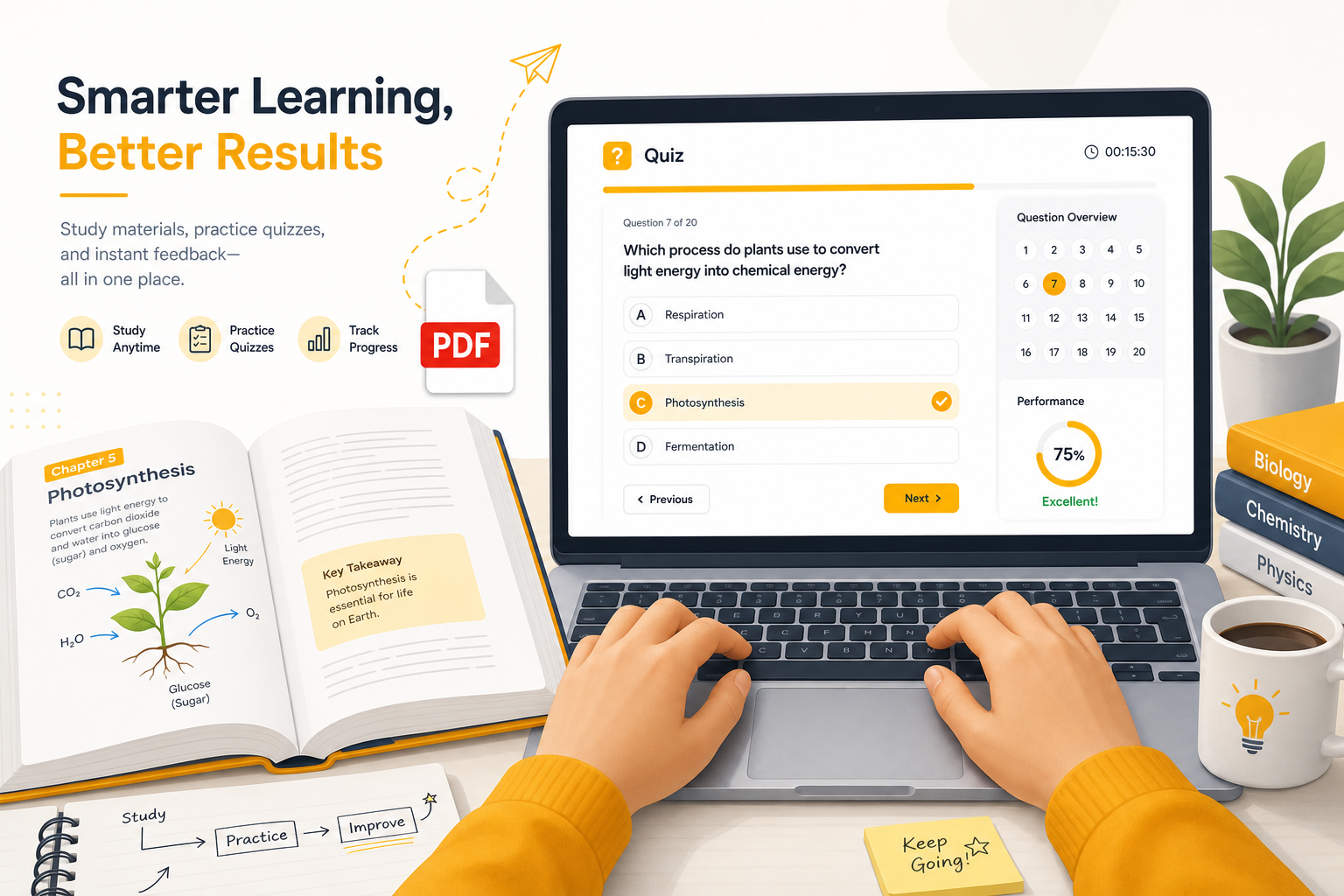

PDFs are where university content goes to hide. You download the chapter, open it once, maybe highlight a few lines, then never touch it again until exam week.
You do not need to re-read the whole PDF. You need a loop: extract → quiz → explain mistakes → retry.
Why PDFs are hard to study
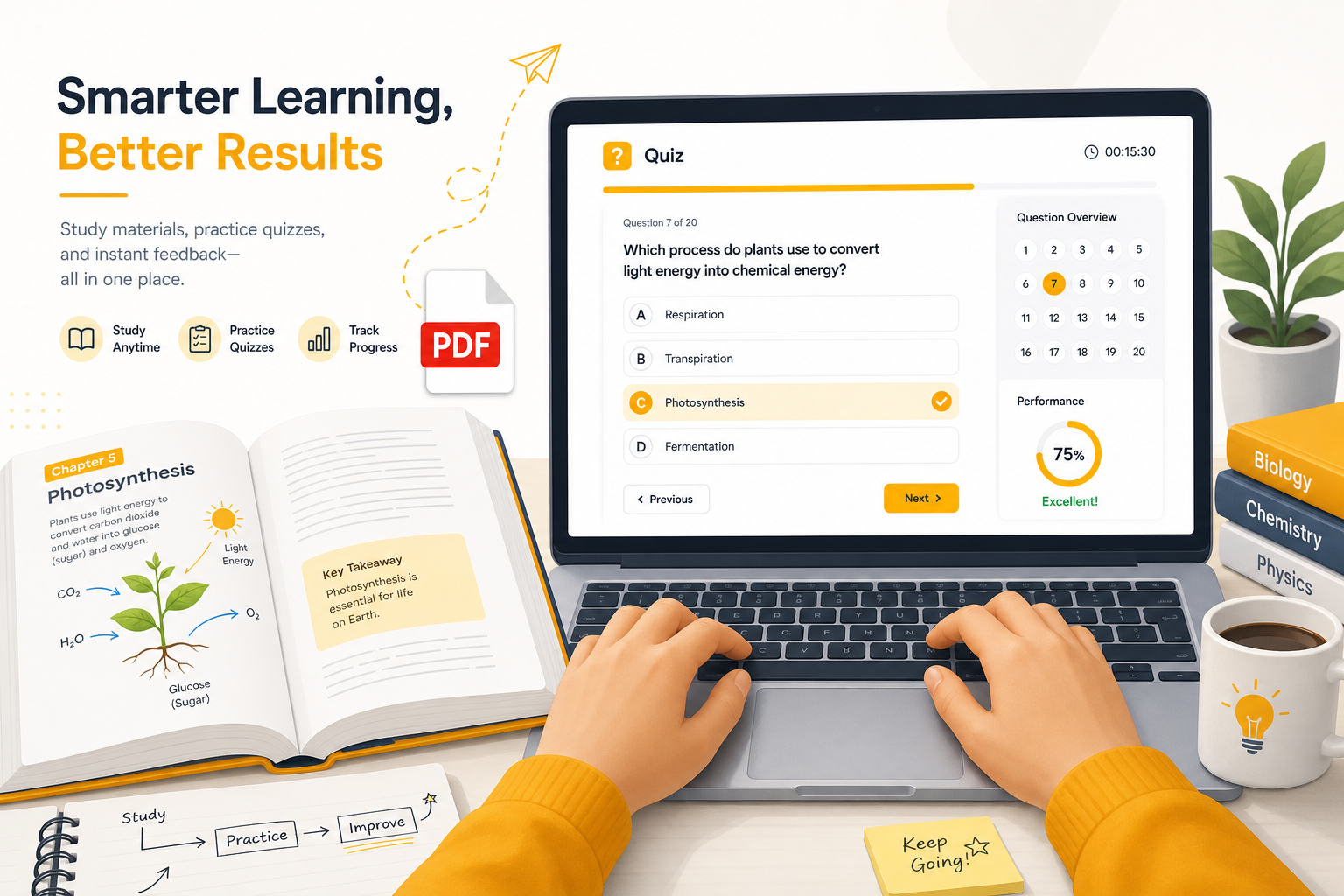
PDFs are great for distribution and terrible for practice. They have no built-in questions, no spaced repetition, and no feedback when you misunderstand a diagram caption or a definition on page 14.
Printing and annotating helps a little. Still passive. The upgrade is generating questions from that exact PDF and testing yourself on it.
What works best in a PDF workflow
| PDF type | Study approach |
|---|---|
| Textbook chapter | One chapter = one material; quiz per section if it’s long |
| Lecture slides | Export or upload; focus on bullet titles and definitions |
| Problem set handouts | Paste only the theory sections; practice concepts separately |
| Scanned pages | OCR first if text is not selectable; cleaner text = better quizzes |
Step-by-step: PDF to practice quiz
1. Export or download one chapter
Avoid uploading your entire 400-page textbook at once. One exam-relevant chunk keeps questions focused.
2. Upload to SourceQuiz
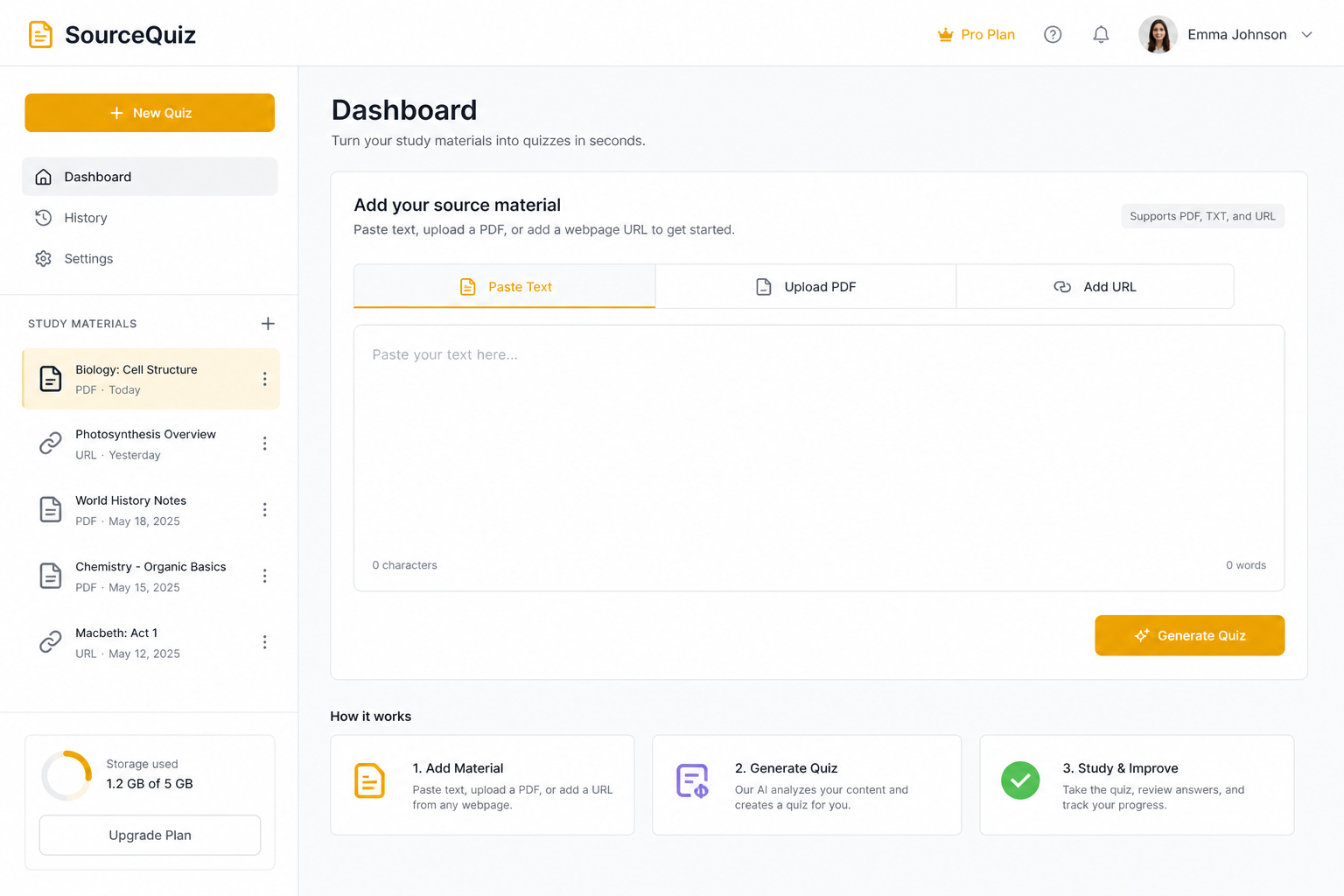
Go to SourceQuiz → Study → upload your PDF (or paste text if you copied a section).
Supported formats include PDF and Word (.docx), plus plain text paste and web links.
3. Configure the quiz
Choose question types your professor actually uses. A bio exam heavy on MCQ should not be studied with only true/false.
Set difficulty to match where you are: learning (easier) vs review week (harder).
4. Practice without the PDF open
Close the file. Take the quiz from memory. This is the step that separates recognition from recall.
5. Use explanations as your second pass
After submit, read why each wrong answer was wrong. Treat explanations like a tutor correcting you line by line.
6. Regenerate if needed
AI-generated questions are not perfect. If a batch feels vague or off-syllabus, regenerate from the same PDF. The second set is often tighter.
Study schedule for PDF-heavy courses
Week before exam:
- Day 1–2: One PDF chapter → one quiz per day
- Day 3: Combined weak topics only (re-quiz missed concepts)
- Day 4: Timed mixed quiz, no notes
- Day 5: Light review of explanations only
During the semester:
Upload each week’s PDF right after the lecture. Five minutes now saves panic later.
PDF study tips that actually help
- Rename materials clearly — “Bio Ch7 Mitosis” not “lecture7_final_v2.pdf”
- Crop mentally — skip bibliography and intro fluff when pasting
- Pair diagrams with text — if the PDF is image-heavy, paste the caption text too
- Track scores — use history to see if you’re improving on the same material
SourceQuiz vs printing flashcards from a PDF
| Approach | Time to start | Matches your PDF | Feedback |
|---|---|---|---|
| Manual flashcards | Hours | Yes | You write explanations |
| Generic quiz sites | Minutes | No (their content) | Varies |
| SourceQuiz | ~1 minute | Yes (your upload) | Built-in per question |
FAQ
My PDF is scanned. Will it work?
If you cannot select text, run OCR or retype key sections. Quizzes need readable text to anchor questions.
Can I upload multiple PDFs for one exam?
Yes. Create one material per PDF or chapter, then quiz each separately before a mixed review day.
Are my uploads public?
No. Materials and quiz history are tied to your account. Study requires sign-in.
Try it on one chapter today
Pick the PDF you would have re-read tonight. Upload it to SourceQuiz, generate one quiz, and finish by reading every explanation for questions you missed. That is a full study session in under 30 minutes.